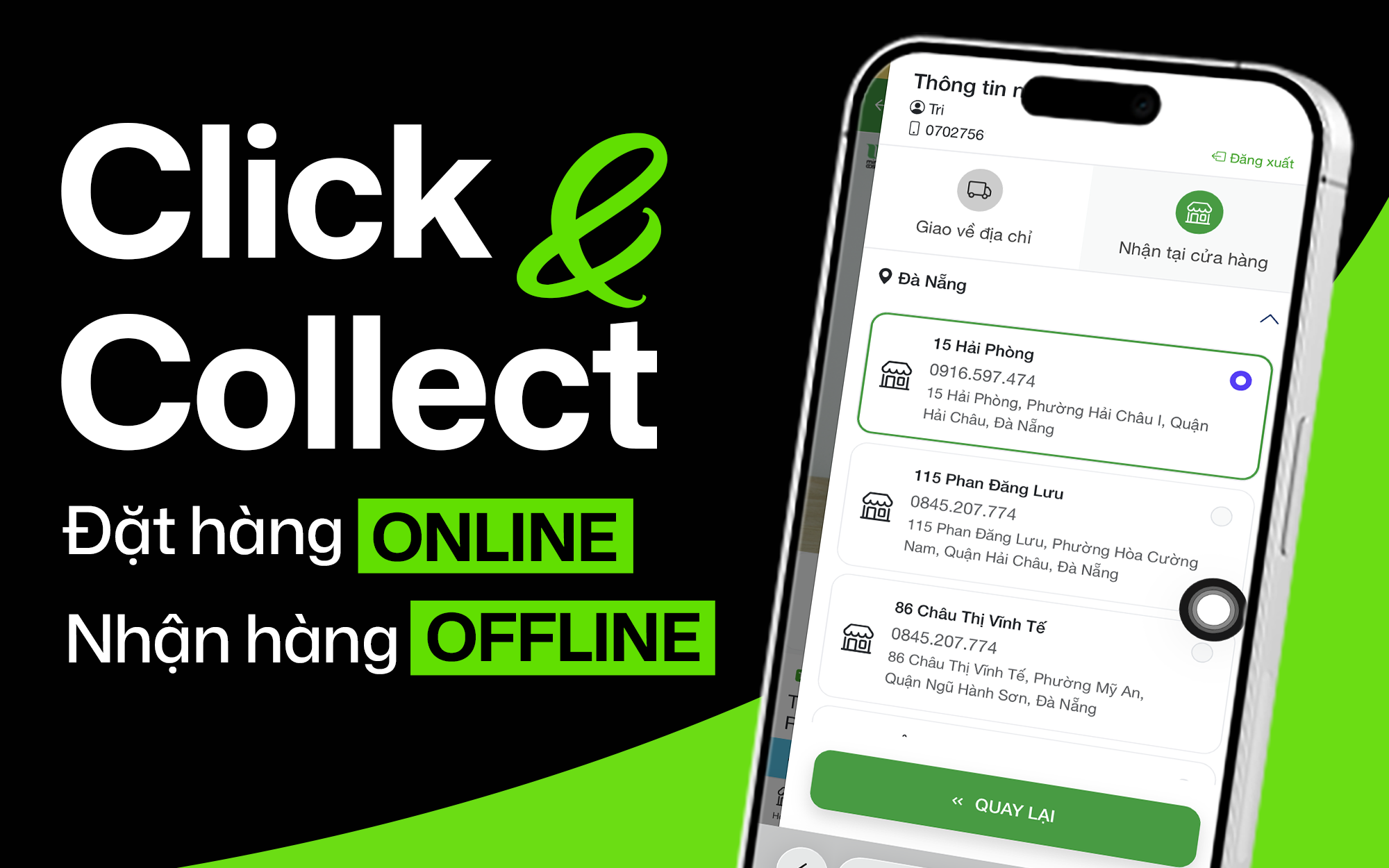
Click & Collect - Order online, pick up in store
In order to bring a convenient and fast shopping experience, Skin365 introduces purchasing methods Click & Collect, helping customers order online and receive goods directly at the nearest store.
Step 1: Log in to website
- Access m.skin365.vn
- Click on the icon Cart to log in.
- Enter phone number Zalo to authenticate the account.

Step 2: Choose product and add to cart
Click on the desired product and select "Add to cart".

Step 3: Select pickup method
- Select "Pick up in store".
- Select the nearest store to pick up your goods.

Step 4: Select payment method
Customers can choose one of two payment methods:
- Bank transfer via QR: Enter the exact amount and transfer content displayed on the order after successful placement.
- Pay at the store: Pay directly upon receipt.

Step 5: Apply discount code (if available)
- Select Apply Discount Voucher.
- Press Apply to update promotional prices.

Step 6: Confirm order
- Check the order information again.
- Click "Order" to complete.
- The system will display a notification of successful order.
- Customers receive a confirmation message via Zalo.


Step 7: Receive goods at the store
- When the order is ready, the customer will receive a notification from the store.
- Go to the selected store, provide the order code to the staff to receive the goods.

Note:
- Orders placed from 22h - 06h need to log in to email to receive confirmation.
- Orders placed within this time frame will not receive notifications via Zalo due to the platform's privacy protection policy.
- Customers can check order status directly on the website: Waiting for confirmation - Processing - Delivering - Delivered delivered
Experience convenient shopping with just Click & Collect at Skin365.vn today!